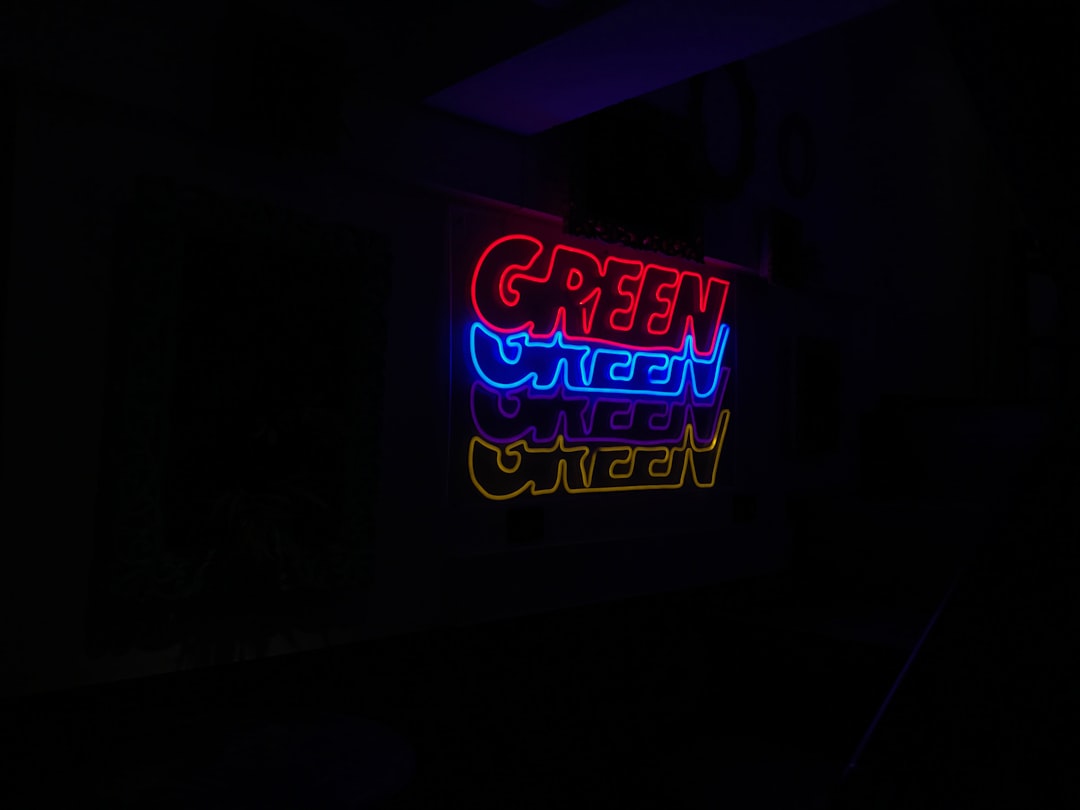
Creating depth in digital interfaces through multi-layered design represents a sophisticated approach to organizing information and guiding user attention. This methodology goes beyond simple visual aesthetics, fundamentally changing how users perceive and interact with digital content by leveraging our natural understanding of three-dimensional space.
Understanding Layers in Digital Design
The concept of layers in interface design draws inspiration from physical reality, where objects exist at different distances from our eyes. In digital environments, layers create virtual depth through various visual techniques including shadows, transparency, blur effects, and parallax scrolling. Each layer serves a specific purpose in the information hierarchy, helping users understand relationships between different elements.
Traditional flat design, while elegant, often struggles to convey complex information structures. Multi-layered approaches solve this challenge by creating visual separation between elements based on their importance and function. Primary actions and critical information occupy foreground layers, immediately visible and accessible, while supporting content recedes into background layers, available when needed but not demanding constant attention.
Effective layering requires careful balance. Too few layers result in cluttered interfaces where everything competes for attention. Too many layers create confusion and make navigation difficult. The optimal number of layers depends on the specific application and content complexity, typically ranging from three to seven distinct levels.
Visual Hierarchy Through Depth
Visual hierarchy guides users through content in a deliberate sequence, ensuring they encounter the most important information first. Multi-layered design enhances hierarchy by adding a depth dimension to traditional size, color, and position-based hierarchies.
Foreground layers naturally attract attention due to their apparent proximity. Designers can place calls-to-action, key metrics, or critical alerts in these prominent positions. Middle layers accommodate primary content and navigation elements, while background layers house contextual information, decorative elements, or less frequently accessed features.
Shadow and lighting effects play crucial roles in establishing layer relationships. Consistent light sources create realistic depth perception, while shadows indicate which elements float above others. These visual cues help users quickly understand interface structure without conscious analysis, making interactions feel intuitive and natural.
Techniques for Creating Depth
Several technical approaches enable multi-layered interface design. CSS transforms and z-index properties allow developers to position elements at different virtual depths. Modern browsers support hardware-accelerated rendering, making complex layered animations smooth and responsive.
Parallax effects create dynamic depth by moving layers at different speeds during scrolling or user interaction. Background layers move more slowly than foreground elements, mimicking how our eyes perceive distance in the physical world. When implemented thoughtfully, parallax adds polish and engagement without becoming distracting.
Blur and focus effects establish depth through selective clarity. Sharp, clear elements appear closer while softly blurred backgrounds recede into the distance. This technique, borrowed from photography, helps users focus on important content while maintaining context from surrounding elements.
Transparency and opacity variations create subtle layering effects. Semi-transparent overlays allow underlying content to remain partially visible, indicating its presence without demanding immediate attention. This approach works particularly well for modal dialogs and contextual panels that temporarily supersede primary content.
Color and Light in Layered Interfaces
Color choices significantly impact how users perceive depth in multi-layered designs. Warm colors like reds and oranges appear to advance toward viewers, while cool colors like blues and greens recede. Strategic use of warm and cool tones enhances depth perception, with important foreground elements often rendered in warmer hues.
The green and cyan color scheme prevalent in futuristic interfaces serves multiple purposes in layered design. Green's high visibility makes it excellent for foreground elements requiring immediate attention, while cyan's cooler tone works well for background and accent layers. The contrast between these colors creates natural depth without requiring extreme brightness differences that might cause eye strain.
Lighting effects add realism to layered interfaces. Gradient backgrounds suggesting light sources create ambient depth, while directional highlights on interface elements indicate their position relative to virtual light. Consistent lighting across all layers maintains visual coherence and helps users understand the spatial relationships between elements.
Responsive Layering Across Devices
Implementing multi-layered designs across various screen sizes presents unique challenges. Mobile devices with limited screen real estate require careful consideration of which layers to display and when. Techniques like collapsible layers, swipe-based navigation between depth levels, and context-sensitive layer activation help maintain depth-based organization on smaller screens.
Touch interfaces introduce additional considerations for layered design. Without hover states available on desktop, designers must find alternative ways to indicate layer relationships and interactive elements. Button elevations, subtle animations, and clear visual affordances become especially important in touch-based layered interfaces.
Performance optimization is critical for responsive layered designs. Complex depth effects can tax device processors, particularly on older or less powerful hardware. Developers must balance visual richness with performance, sometimes simplifying layer effects on devices that struggle with intensive rendering.
Animation and Transitions Between Layers
Movement between layers should feel natural and purposeful. Abrupt jumps between depth levels disorient users, while overly slow transitions frustrate those trying to access information quickly. The ideal timing for layer transitions typically falls between 200 and 400 milliseconds, fast enough to feel responsive while slow enough for users to perceive the spatial relationship.
Easing functions determine how transitions accelerate and decelerate. Natural-feeling animations often use easing that mimics physical motion, starting slowly, accelerating through the middle, and decelerating at the end. This creates a sense of weight and substance, making digital elements feel more tangible.
Choreographed animations, where multiple elements move in coordinated sequences, can guide attention and explain relationships between layers. When a user action triggers changes across multiple layers, carefully timed animations help them understand the consequences of their interaction and the structure of the interface.
Accessibility Considerations
Multi-layered interfaces must remain accessible to users with various disabilities. Screen readers need clear hierarchical markup that reflects layer relationships. ARIA labels and semantic HTML help assistive technologies convey depth information to users who cannot perceive visual layers.
Users with reduced vision may struggle with subtle depth cues. Ensuring sufficient contrast between layers and providing alternative navigation methods helps these users effectively interact with layered interfaces. Options to simplify or flatten the interface can benefit users who find complex depth relationships challenging.
Motion sensitivity affects some users, who may experience discomfort from parallax effects and layer transitions. Providing reduced-motion alternatives respects user preferences while maintaining core functionality. Modern CSS supports prefers-reduced-motion media queries, allowing designs to automatically adapt to user settings.
Best Practices and Common Pitfalls
Successful multi-layered design requires consistent application of depth principles throughout an interface. Random or inconsistent layering confuses users and undermines the benefits of depth-based organization. Establishing clear rules about which types of content occupy which layers creates predictability and improves usability.
Avoiding excessive decoration is crucial. While depth effects enhance functionality and aesthetics, overuse creates visual noise and slows performance. Every layer and effect should serve a purpose, contributing to either information hierarchy, user guidance, or essential aesthetic cohesion.
Testing with real users reveals whether layered designs achieve their intended goals. What seems intuitive to designers may confuse actual users. Observation studies and usability testing help identify problems with layer organization, transition timing, or visual hierarchy.
The Future of Layered Design
As display technology advances, opportunities for even more sophisticated layered interfaces emerge. True three-dimensional displays may eventually support actual depth rather than simulated perspectives. Augmented and virtual reality platforms already enable interfaces that exist in physical space around users, taking multi-layered design to its logical conclusion.
Artificial intelligence could dynamically adjust layer organization based on user behavior and preferences. Machine learning algorithms might identify patterns in how individuals interact with layered interfaces, automatically optimizing depth arrangements for each user's cognitive style and priorities.
Multi-layered UI design represents a powerful approach to organizing complex information and creating engaging digital experiences. By thoughtfully applying principles of depth, hierarchy, and visual communication, designers create interfaces that feel natural, intuitive, and visually compelling. As technology continues evolving, the fundamental insights of layered design will remain relevant, adapting to new platforms and interaction paradigms while maintaining their core focus on human perception and cognition.